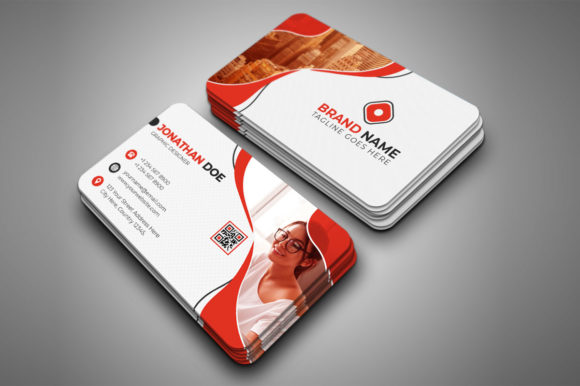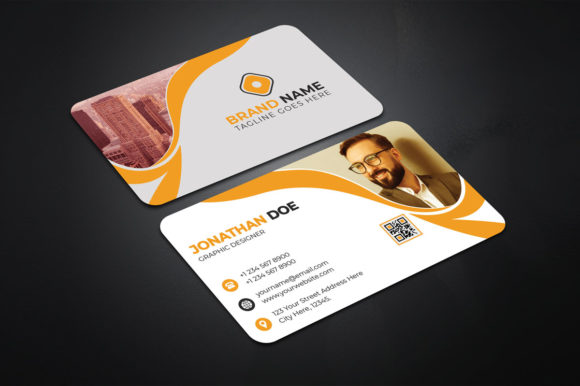
Mastering Corporate Business Card Editable Design in Photoshop
You know that feeling when you hand someone your business card and it just... lands? There's a subtle confidence that comes from knowing your branding materials are polished, professional, and perfectly aligned with your vision. For entrepreneurs, freelancers, and small business owners, that card is often the first tangible touchpoint with potential clients. Getting it right matters more than most people realize, especially when you're trying to build credibility in competitive markets.
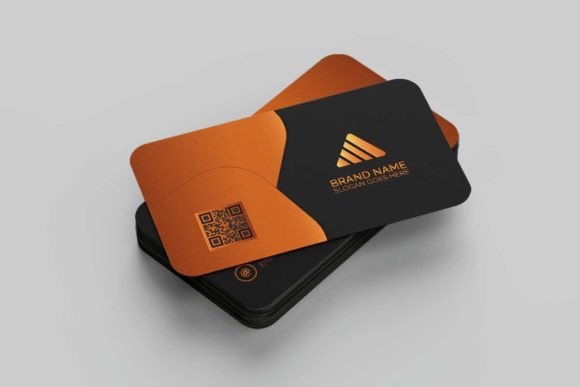
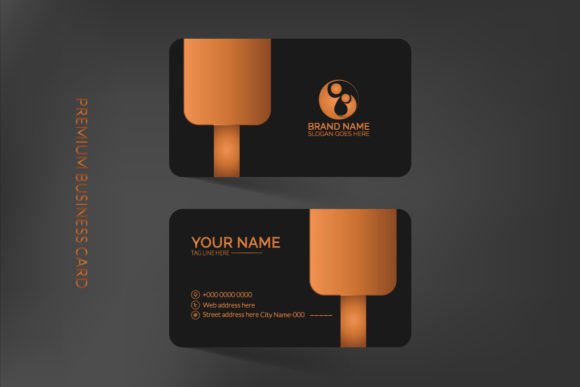
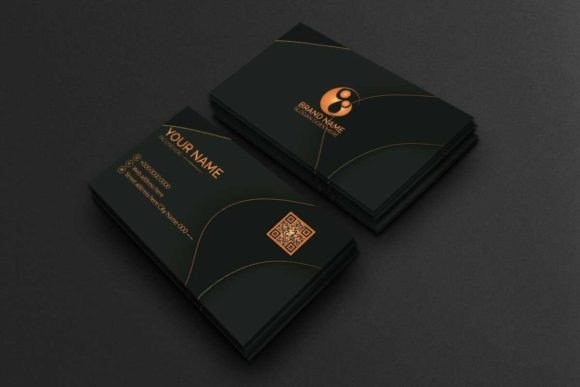
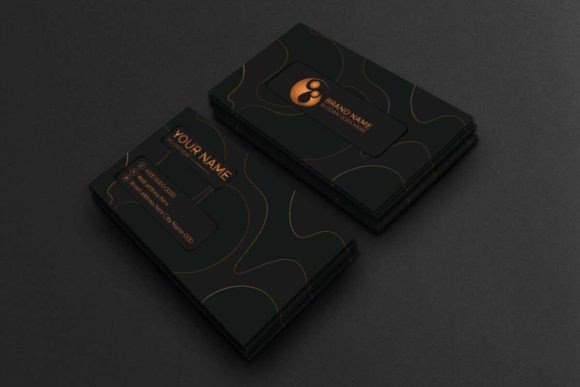
The Corporate Business Card Editable template was built with this exact moment in mind. It's not just another generic layout floating around the internet—it's a carefully structured Adobe Photoshop file designed to give you complete creative control without requiring advanced design skills. Every layer is organized, every element is clearly labeled, and the entire setup follows professional print standards so you can move from screen to finished product with confidence.
Why Layer Organization Changes Everything
If you've ever opened a downloaded template only to find a chaotic mess of unnamed layers, you understand the frustration. You spend more time figuring out what's what than actually designing. This template eliminates that problem entirely. Each element—text blocks, color overlays, shape layers, background textures—sits in its own clearly defined folder. Want to change the accent color? Find the color layer group. Need to swap out the company name? The text layers are right where you'd expect them.
This kind of thoughtful organization isn't just convenient. It actually speeds up your workflow significantly, which matters when you're juggling multiple projects or working against tight deadlines. A photographer building out their brand identity kit, a marketing consultant preparing materials for a client pitch, or a startup founder who needs cards printed by Friday—all of these scenarios benefit from a template that respects your time.
Print-Ready Specifications You Can Trust
One of the biggest headaches in DIY design is getting the technical specs right for professional printing. Too many business cards end up looking slightly off because the resolution was wrong, the color mode wasn't set correctly, or there wasn't enough bleed area. This template handles all of that from the start.
At 300 DPI, your cards will print with crisp, sharp detail—no pixelation, no fuzzy edges. The CMYK color mode ensures that what you see on screen translates accurately to the printed piece, which is critical because RGB colors can shift dramatically when converted at the printer. The standard 3.5×2 inch dimension fits perfectly into cardholders, wallets, and display stands without any awkward trimming.
Those extra details matter more than you might think:
- 0.25-inch bleed gives the printer enough margin to cut cleanly without leaving white edges
- Die cut and trim marks are already placed, so your print shop knows exactly where to cut
- Print-ready setup means you can export and send to production without additional adjustments
For anyone who's ever received a batch of cards with slightly misaligned edges or colors that looked different than expected, these built-in safeguards are genuinely valuable.
Practical Applications Beyond Just Business Cards
While the primary function is obvious, a well-structured corporate template like this serves multiple purposes across your brand ecosystem. The design principles embedded in this layout—clean typography hierarchy, balanced whitespace, strategic color placement—translate directly into other marketing materials.
Consider using this as a starting point for brand identity development. The color palette and font choices you establish here can flow into your letterheads, email signatures, social media templates, and presentation decks. When your business card matches your Instagram graphics which match your invoice template, you're building the kind of visual consistency that makes brands memorable.
Small business owners often underestimate how much cohesive design influences customer perception. Research consistently shows that professional presentation builds trust faster than almost any other factor. A thoughtfully designed card signals that you pay attention to details—and clients want to work with people who pay attention to details.
Typography and Font Considerations
The template comes with free font recommendations included in the help file, along with direct links so you can download and install them immediately. This removes the guesswork from font pairing, which is one of the most common stumbling blocks for non-designers.
When choosing typography for corporate materials, readability should always come first. Script fonts and decorative typefaces look beautiful on mood boards, but they can fall apart at small sizes—like the 8-10 point text typically used on business cards. The fonts included with this template were selected specifically because they maintain clarity and professionalism at standard card dimensions.
That said, the organized layer structure makes it easy to experiment. You might try swapping the primary typeface for a sans serif font with similar weight, or adjusting the serif font used for your name to something with a bit more personality. The key is testing different combinations before committing—print a few samples, hold them at arm's length, and see which version reads most naturally.
Working Within Photoshop CC
This template is built for Adobe Photoshop CC, which means you'll need access to that software to make edits. If you're already comfortable in Photoshop, the learning curve is essentially zero. If you're newer to the platform, the included help file with detailed instructions walks you through each step of the customization process.
One practical tip: before you start making changes, duplicate the original file. That way you always have a clean backup if you want to try different directions. Working with organized layers also means you can toggle individual elements on and off to preview different combinations without permanently altering anything.
The 3.5×2 inch canvas at 300 DPI keeps file sizes manageable while maintaining professional quality. Even with multiple text layers, color adjustments, and design elements, you shouldn't experience any lag or performance issues on standard hardware.
Getting Your Cards From Screen to Print
Once you've customized the template to reflect your brand, the export process is straightforward. Because the file is already set up in CMYK with proper bleed and trim marks, you can save your final version and send it directly to most professional print services. Popular online printers accept Photoshop files or high-resolution PDFs exported from them.
A few things worth noting before you send that order:
- Double-check all text for spelling errors—names, titles, phone numbers, and email addresses are surprisingly easy to mistype
- Verify that your contact information is current and formatted consistently
- Request a digital proof from your printer before approving the full run
- Consider ordering a small test batch first if this is your first time using the template
- Keep the editable Photoshop file saved somewhere safe so you can make quick updates as your business evolves
The beauty of having a fully editable template is that your business cards can grow with your brand. Changed your phone number? Updated your website? Pivoted your business focus? You can open the file, make the adjustment, and have new cards ready for printing in minutes rather than starting the entire design process from scratch.
For freelancers building their first professional identity, established businesses refreshing their materials, or anyone who values having design assets that actually work the way they should, this kind of reliable, well-structured template is worth its weight in printed gold.