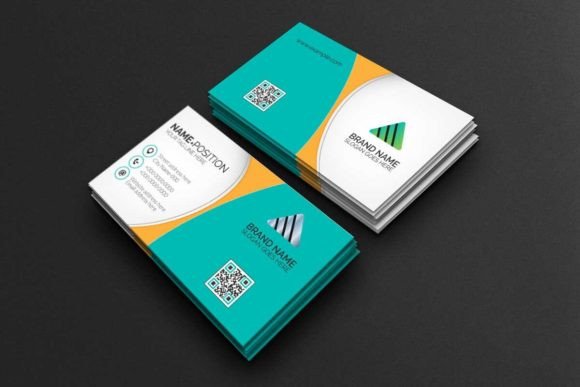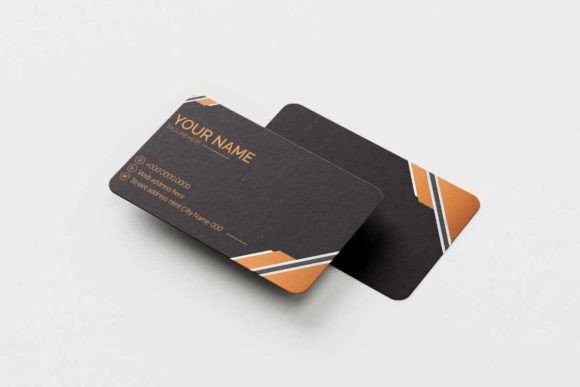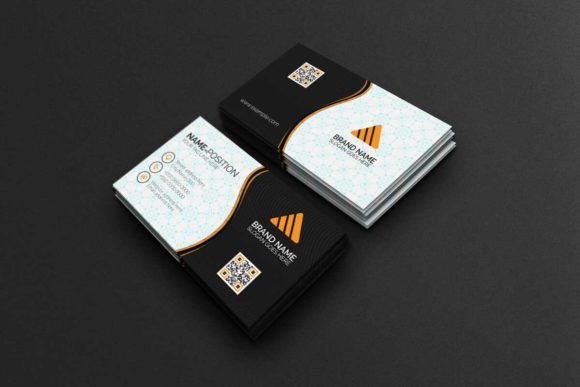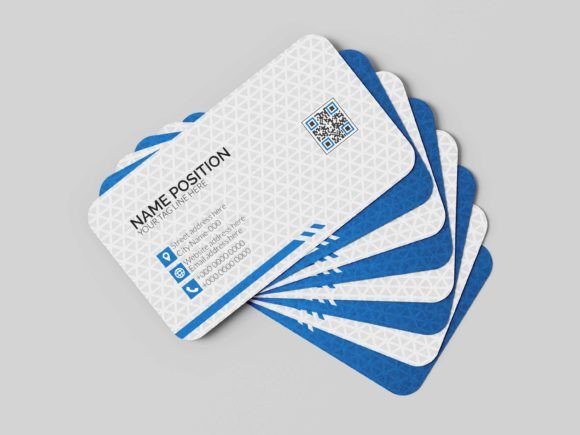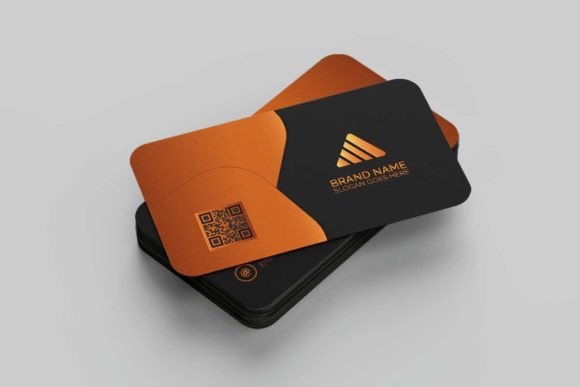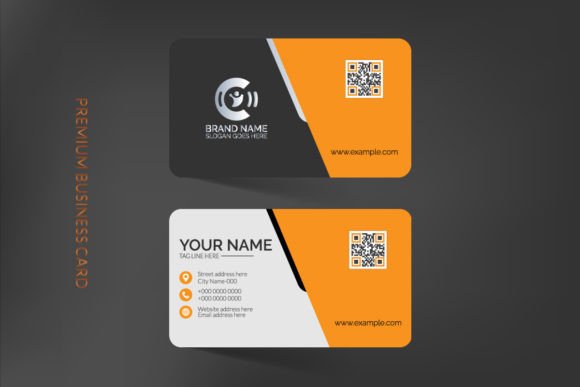
The Modern Yellow Business Card: Your First Impression in Gold
In a stack of standard white and grey cards, a flash of bold, confident yellow doesn't just catch the eye—it commands attention. The Modern Yellow Business Card template is designed for professionals who understand that their business card is more than just contact information; it's a compact brand statement. This isn't a generic download. It's a fully customizable, premium design asset built for Adobe Photoshop and Illustrator, giving you the tools to craft a first impression that is both stylish and unmistakably professional.
A Foundation of Professional Polish
What makes this particular template stand out is its blend of contemporary design and practical, print-ready specifications. The vibrant yellow isn't just a color; it's a mood—energetic, optimistic, and creative. Paired with clean typography and a sophisticated layout, it strikes the perfect balance between being eye-catching and maintaining the elegance required for professional contexts. The template is built on a solid technical foundation: CMYK color mode for accurate print reproduction, a sharp 300dpi resolution, and standard 3.5×2 inch dimensions (with a vertical option). This means you can move from customization to the printer with confidence, avoiding the common pitfalls of blurry logos or color shifts.
The real value, however, lies in its easy editable and fully customizable nature. Delivered as a ZIP archive containing both AI and IDML files, it’s compatible with recent versions of Adobe Illustrator and Photoshop. You’re not locked into the original design. The use of vector shapes means you can resize any element—from the logo placeholder to decorative accents—without losing quality. Need to tweak the layout for a different brand? The separate layers and paragraph styles make it straightforward to adjust fonts, colors, and text hierarchy. Even the fonts are sorted, with links to free fonts included, so you won’t hit a licensing wall.
Beyond the Business Card: A Versatile Design Asset
While its primary purpose is clear, thinking of this file only as a business card template limits its potential. The core design elements—a bold color palette, modern typography, and a balanced layout—are fundamental building blocks for a cohesive brand identity. Consider how you might extend its use:
- Brand Collateral: Use the color scheme and font pairings for letterheads, invoices, and email signatures to create visual consistency across all touchpoints.
- Digital Presence: Adapt the design for social media graphics or website banners. The vibrant yellow can make your Instagram posts or LinkedIn updates pop in a crowded feed.
- Marketing Materials: The template’s style translates well to posters, flyers, and packaging design inserts. Imagine a product thank-you card or a promotional sticker using this aesthetic.
- Event & Editorial Use: For conferences, workshops, or creative projects, the design can inspire invitations, name badges, or even editorial layouts for a lookbook or digital magazine.
By starting with a strong, professional template like this, you’re not just making a card; you’re establishing a design system. This saves enormous time and ensures that every piece of communication, from a digital ad to a printed brochure, feels intentionally connected.
Making It Your Own: Practical Customization Tips
Downloading the file is just the first step. To make the Modern Yellow Business Card truly yours, approach customization with strategy:
- Define Your Brand Voice: Is your brand playful, authoritative, minimalist, or luxurious? The yellow base is versatile. Pair it with a crisp sans-serif for a tech startup, or a refined serif for a boutique consultancy. The template’s easy customize features let you test these directions quickly.
- Focus on Readability: While the design is modern, never sacrifice clarity for style. Ensure your name and contact details have sufficient contrast against the yellow background. The free font links provided are chosen for their legibility, but always do a test print to check.
- Master Font Pairing: The template likely uses a combination of a display font for headlines and a cleaner sans serif font for body text. If you change fonts, maintain this principle. A common rule is to pair a serif with a sans-serif, or a bold display font with a simple, readable companion. Don’t use more than two font families to avoid visual clutter.
- Test, Test, Test: Before finalizing, print a proof on the actual card stock you plan to use. Colors can look different on screen versus in print. Check that all text is legible and that the vector shapes are crisp. This step is non-negotiable for a professional presentation.
Remember, the goal is to create a card that feels authentic to you and your business. The template provides the premium font structure and design savvy; you provide the unique personality and message. Whether you’re a small business owner, a freelance designer, or a creative entrepreneur, this asset is built to help you present your best self with confidence and style. It’s more than a card—it’s the first chapter of your professional story.
Make a Bold Statement with a Modern Yellow Business Card
Imagine handing someone a business card that doesn't just share your contact information but immediately communicates energy, confidence, and a creative mindset. A Modern Yellow Business Card does exactly that. This premium, fully customizable template is designed for professionals who want their first physical impression to be as dynamic and polished as their work. Built for Adobe Photoshop and Illustrator, it provides a robust foundation—complete with print-ready specs, editable layers, and free font links—so you can craft a card that truly represents your brand without starting from scratch.
More Than a Color: The Psychology of Yellow in Branding
Yellow is a powerful color in the designer's toolkit. It’s associated with optimism, clarity, and innovation. In a sea of corporate blues and conservative grays, a yellow business card stands out, suggesting a brand that is approachable, forward-thinking, and unafraid to be noticed. This template uses yellow not as a background filler, but as a strategic accent—often paired with dark, neutral typography to ensure maximum readability and professional impact. The result is a design that feels both vibrant and sophisticated, making it suitable for a wide range of industries, from creative agencies and tech startups to boutique consultancies and personal brands.
The visual appeal lies in its modern typography and clean layout. The included font pairing—typically a bold display font for your name or logo and a clean sans-serif font for details—creates a clear hierarchy that guides the eye. This isn't just about looking good; it's about visual communication. A well-structured card ensures that your name, title, and contact details are immediately accessible, enhancing professional presentation and making it easier for potential clients or partners to remember you.
Practical Applications for a Cohesive Brand Identity
Think of this business card template as the cornerstone of a larger brand identity system. The design elements—the specific shade of yellow, the chosen typeface, the spatial balance—can be extracted and applied across all your marketing materials to build brand recognition and consistency.
- Digital Extensions: Use the color palette and font styles for your social media graphics, website headers, and email newsletters. A consistent visual language across your web design and print materials builds trust.
- Marketing Collateral: Adapt the template's style for packaging design inserts, thank-you cards, or promotional flyers. The bold yellow works exceptionally well for calls-to-action or highlight sections.
- Event Presence: Carry the design through to posters, invitations, and name badges for conferences or workshops, creating a memorable and unified attendee experience.
- Product Presentation: For creators selling digital products or physical goods, use the aesthetic for cover art, instruction manuals, or merchandise tags to elevate perceived value.
By starting with a strong, professional template, you ensure that every touchpoint—from a business card left at a café to an Instagram story—feels intentionally and authentically "you." This level of cohesion is what transforms a simple business into a recognized brand.
Ensuring Your Customization is Print-Perfect
The true value of this design asset is its easy editable and fully customizable nature. The ZIP file provides everything you need for a smooth workflow, but a strategic approach to customization will yield the best results.
- Start with Strategy: Before opening the file, define your goal. Is the card for networking, direct sales, or brand building? This will guide your choices, from the prominence of your logo to the inclusion of a QR code or tagline.
- Master the Editable Elements: The separate layers and paragraph styles in the AI and IDML files are your best friends. Change fonts globally with a few clicks. Adjust the yellow hue to match your exact brand color (staying within CMYK gamut for print). Swap placeholder text for your details, and use the vector shapes to resize your logo perfectly.
- Prioritize Readability: While experimenting, always test your design at actual size. Ensure there is sufficient contrast between text and background. The 300dpi resolution and bleeds included mean your printer will have the high-quality file they need, but your design choices dictate the final clarity.
- Consider the Flip Side: The template includes both the 3.5×2 inch horizontal and the 2×3.5 inch vertical orientation. Use the front for impact (your name, logo, tagline) and the back for essential contact info, social handles, or a secondary message. This maximizes space without clutter.
Treat the template not as a finished product, but as a professional-grade starting point. Your unique customization—whether it's adjusting the kerning, selecting a different free font from the provided links, or adding a subtle texture—is what will make the card distinctly yours and effective for your specific audience.