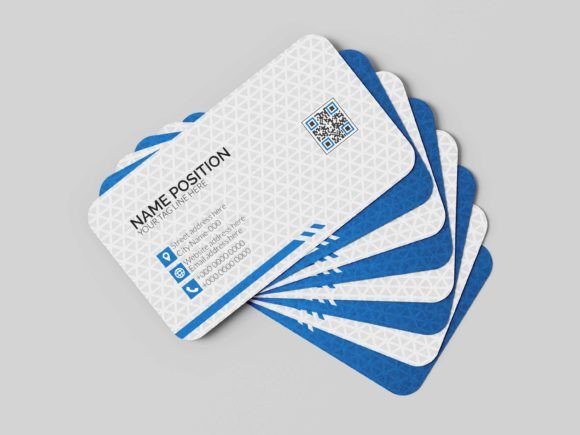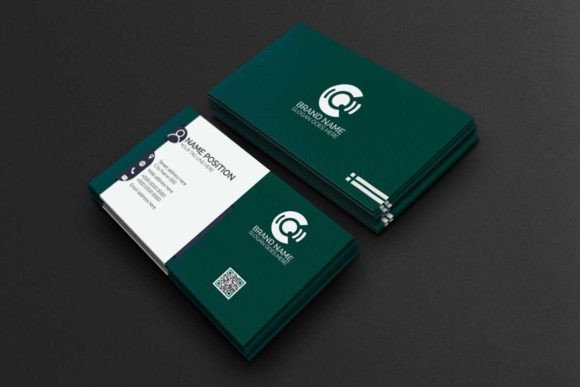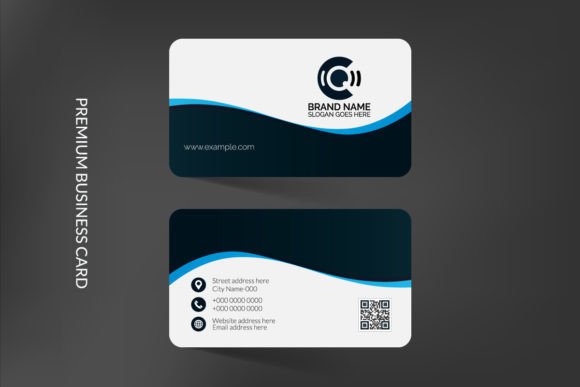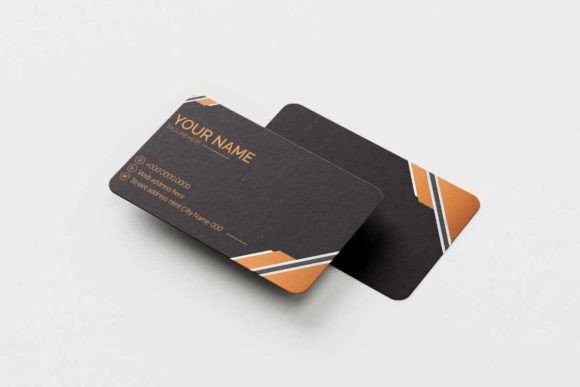
Elevate Your Professional Image with a Premium Business Card Template
In the fast-paced world of business and networking, your first impression is often your last. A flimsy, generic card can undermine your credibility before you even say hello. Conversely, a thick, beautifully designed card communicates attention to detail and a commitment to quality. If you are looking to bridge the gap between a standard introduction and a memorable brand statement, having access to a robust design asset is essential. This is where a high-quality, customizable template changes the game. It allows you to maintain creative control while ensuring your final print product looks polished and professional, setting the tone for every future interaction.
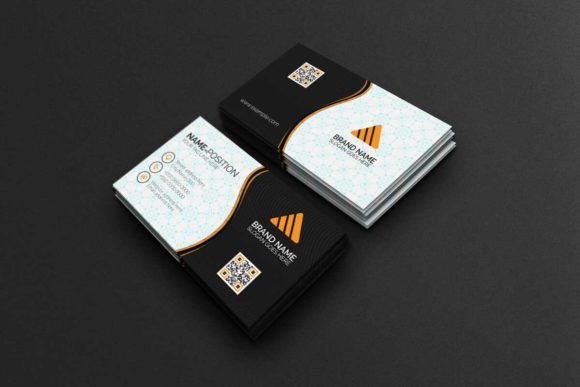
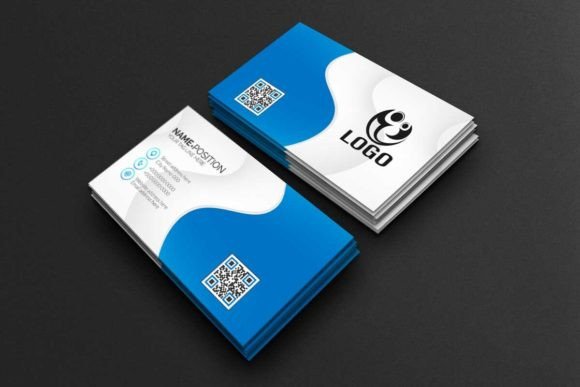
The product we are looking at today is an elegant and premium business card template designed specifically for professionals who value aesthetics and functionality. It is not merely a static image but a fully customizable solution compatible with industry-standard software like Adobe Photoshop and Adobe Illustrator. For designers, entrepreneurs, and small business owners, this compatibility is crucial. It means you aren't locked into a restrictive online editor; instead, you have full access to the raw design data. The download package is comprehensive, containing IDML files, established bleeds, pre-set paragraph styles, organized separate layers, and direct links to the free fonts used in the design. This level of detail ensures that when you present yourself, you do so in a stylish and professional way that reflects the true quality of your brand.
Understanding the Technical Foundation for Flawless Printing
When transitioning a design from a computer screen to a physical object, technical specifications matter immensely. One of the biggest hurdles in DIY design is the "screen-to-print" gap, where colors look dull or edges get cut off. This template eliminates those headaches by adhering to professional printing standards. The file is set up in CMYK color mode, which is the requirement for offset and digital printing, ensuring that the colors you see on a calibrated monitor will accurately translate to ink on paper. Furthermore, the 300dpi (dots per inch) resolution guarantees that any raster elements or text will appear crisp and sharp, avoiding the pixelation that plagues lower-quality designs.
The template comes in the standard US dimensions of 3.5×2 inches and 2×3.5 inches (vertical orientation), covering the most common request from print shops. Perhaps the most practical feature for the busy entrepreneur is the "Easy Editable" nature of the file. Because it utilizes vector shapes, the design is fully resizable without any loss of quality. You can scale up the logo or graphical elements to fit different marketing materials without worrying about blurring. Additionally, the inclusion of separate layers means you can isolate specific elements—changing the background color without affecting the typography, or swapping out a graphic without breaking the layout. This modular approach to design assets saves hours of frustration and allows for rapid prototyping of different color schemes.
Strategic Applications Beyond the Handshake
While the primary function of this asset is obviously for print, a versatile design file offers value across multiple channels of your brand identity. Visual consistency is the cornerstone of brand recognition. When your audience sees the same color palette, typography, and design language on your business card, website, and social media, it builds trust.
Consider using elements from this premium business card template to create cohesive branding materials. For instance, the background textures or vector shapes included in the AI file can be repurposed for social media graphics. If you are running a promotion on Instagram or LinkedIn, using a snippet of your business card design as a frame or watermark ties the digital conversation back to your physical brand presence.
Moreover, for those involved in packaging design or merchandise, the vector nature of the assets is invaluable. You can extract the logo lockup or the specific font pairing used on the card and apply it to product labels, thank-you cards, or even merchandise like tote bags and stickers. For content creators and bloggers, the typography choices within the template—often a mix of a strong serif or sans serif with an elegant script—can serve as inspiration for your website headers or digital product covers. The goal is to create a seamless ecosystem where your business card is just one touchpoint in a larger, visually harmonious world.
Maximizing Impact with Typography and Layout
Typography is the voice of your brand’s visual identity. A premium template usually comes with carefully curated font pairings, but understanding why they work helps you customize effectively. Most high-end business card designs balance legibility with personality. Typically, you will find a clean, sans-serif font for contact details (email, phone number, website) to ensure readability at small sizes, paired with a more distinct display font or serif font for the name and title to add character.
When you open the file in Adobe Illustrator or Photoshop, take a moment to review the paragraph styles. These pre-sets ensure that your hierarchy is correct—your name should be the focal point, followed by your title, and then the contact information. If you decide to change the fonts to match your specific brand guidelines, ensure you maintain this hierarchy. Avoid the temptation to use more than two or three typefaces; too many styles can make a business card look cluttered and chaotic rather than professional.
Pay attention to the "bleeds" mentioned in the file details. The bleed area is the margin outside the final trim size that ensures no unprinted edges appear if the cutting machine is slightly off. This template has these lines marked, allowing you to extend your background color or images to the edge safely. This attention to the technicalities of layout is what separates an amateurish result from a premium product. By utilizing the vector shapes provided, you can also ensure that your logo and icons remain sharp, regardless of the final print size, maintaining that high-end look that clients expect.
Practical Tips for Finalizing Your Design
Before you send your file to the printer, a few practical steps can ensure the best outcome. First, always proofread. It sounds simple, but a typo in an email address or phone number renders even the most beautiful card useless. Second, check your contrast. Ensure that your text stands out clearly against the background. If you have a dark background, use white or light-colored text, and vice versa. Low contrast might look artistic on screen but can be impossible to read in dim lighting.
Finally, consider the paper stock. While this guide focuses on the digital template, the physical medium is the final variable. A premium design deserves a premium paper weight—typically 14pt or 16pt cardstock with a matte, glossy, or uncoated finish. When you combine a well-structured, customizable template with high-quality printing materials, you create a tactile experience that reinforces your professional standing. This template provides the perfect foundation, giving you the tools to present yourself with the confidence and style that your business deserves.